

Book a demo
Each template section is configured using four elements.
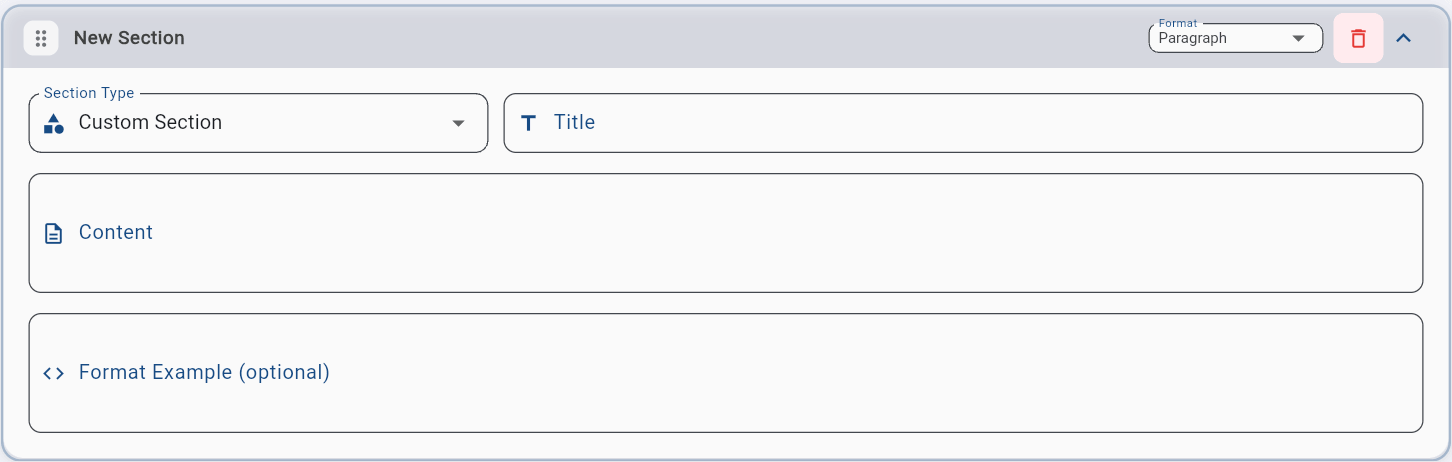
The section name as it will appear in the generated note.
The format defines how information is displayed in the note.
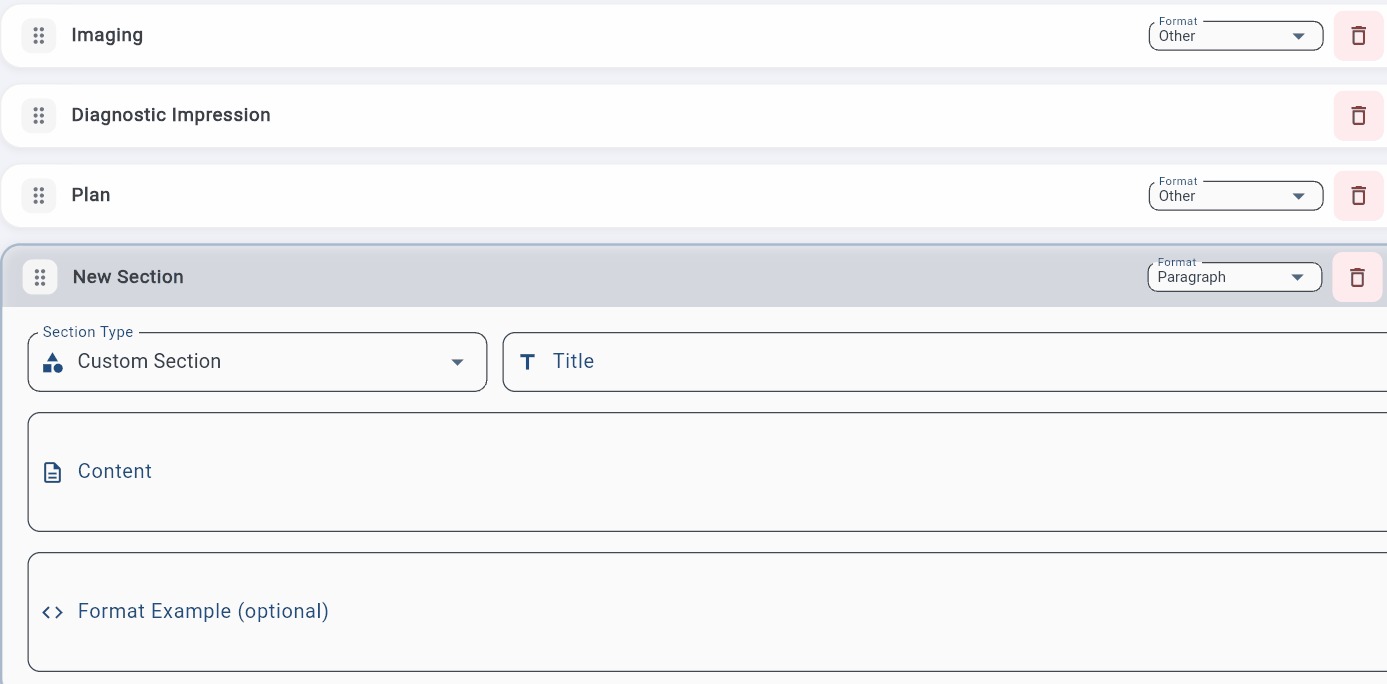
Format
Description
List
Items separated line by line
Bullet list
Items shown with dashes (-)
Numbered list
Items automatically numbered
Line
Everything on one line, separated by commas
Paragraph
Text written in complete sentences
Multiple choice
Enables a style selector during note generation: List, Bullet list, Short sentence, Complete sentence
Other
Free format. You define it in the Example format field
Specific instructions for this section. Plume uses them to decide what to write and how to organize it.
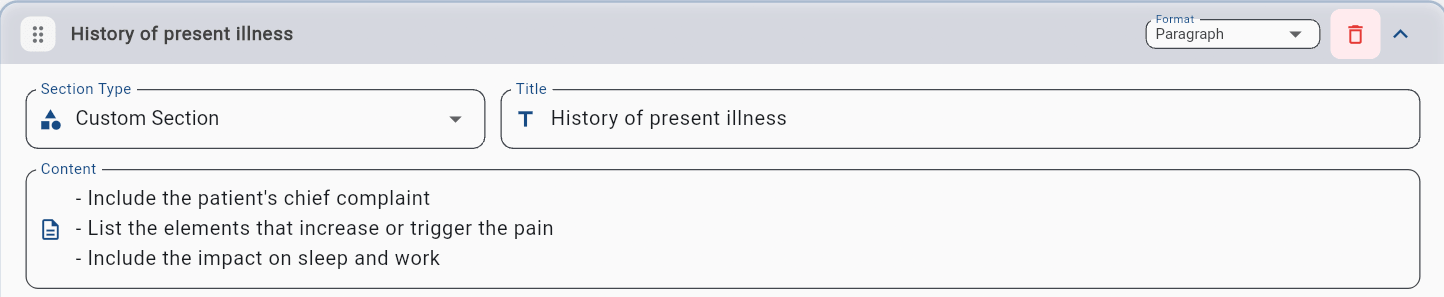
Use action verbs such as Write, Determine, Identify, Describe, Include, and Omit. Clear, direct instructions produce better results.
The Example format field is optional, but it is the most effective way to get a highly specific note format. Instead of describing the format in words, you show exactly what you want. Plume IA reproduces that structure.

To learn more about Example format techniques (indicators, suggested choices, variables), see the Additional Information section.