
Book a demo
Patient identification lets you attach basic information to a care episode. These details are optional, but they personalize the generated note and make it easier to search your consultation history.
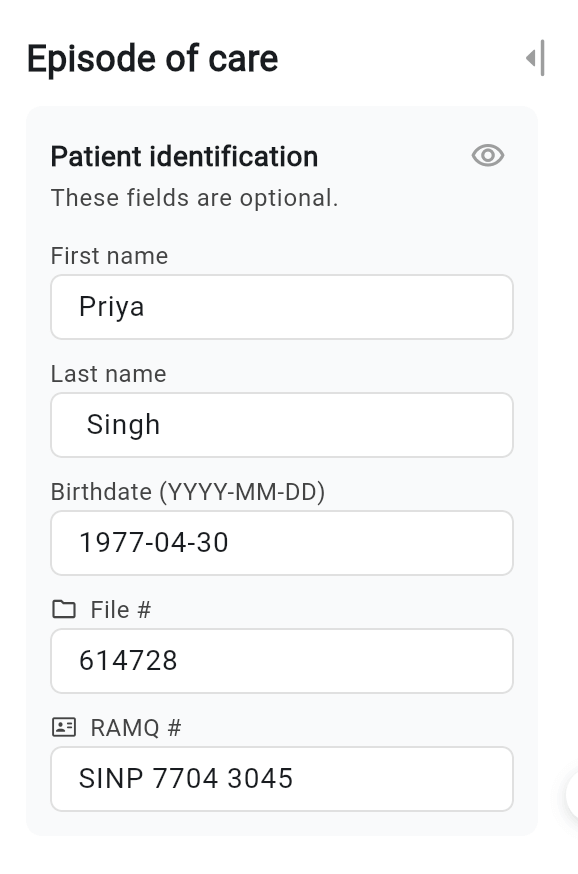
💡 All of these fields are optional. You can fill in one, several, or none, depending on your preferences and your practice setting’s policies.
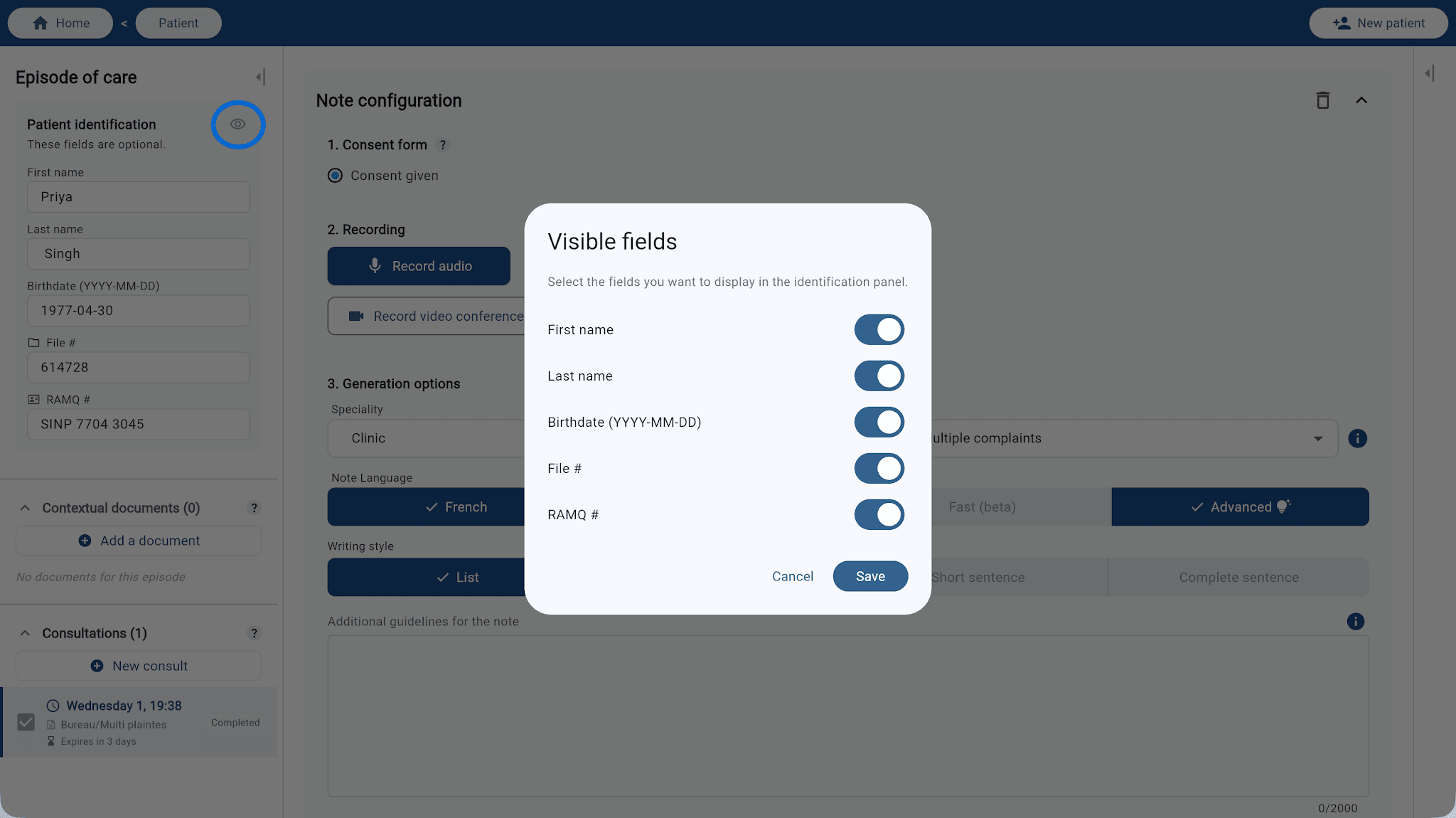
You don’t need to see every field on every consultation. Click the eye icon 👁 at the top right of the Patient identification panel to open Visible fields. Turn each field on or off as needed, then click Save. Only the fields you enable will appear in the panel.
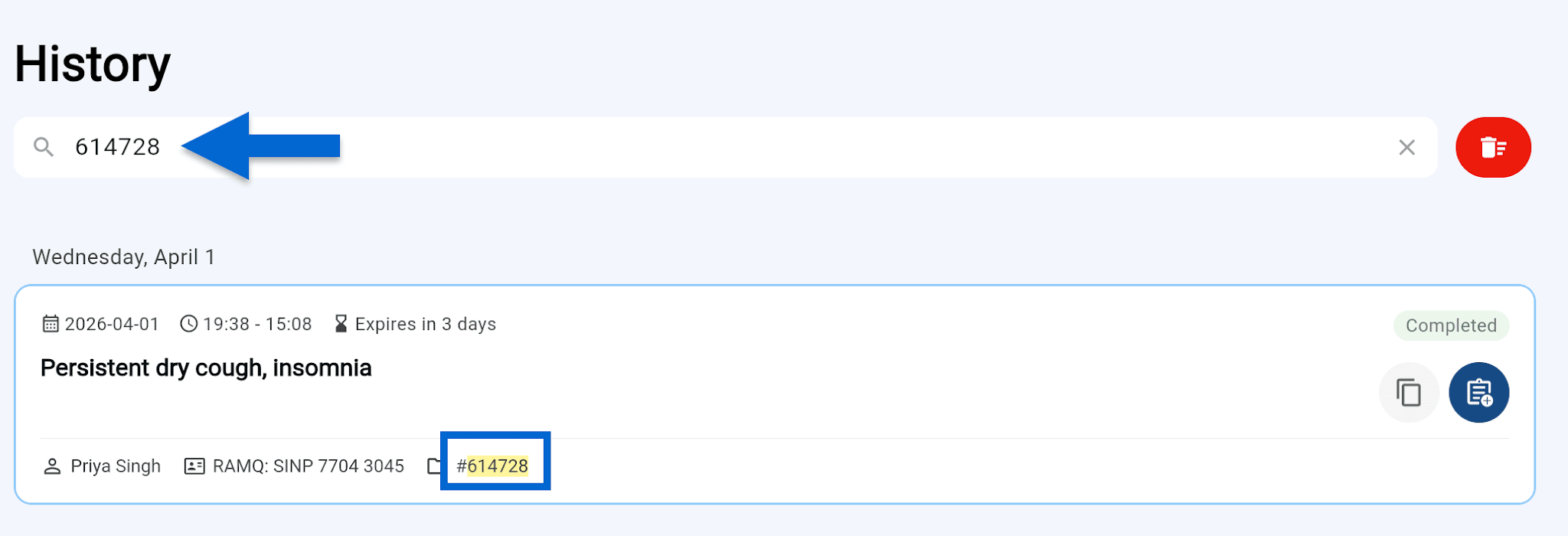
The identification details you enter are indexed in your consultation history. You can quickly find a care episode by searching for the patient’s name, chart number, or RAMQ number, without scrolling through all of your consultations.