
Book a demo
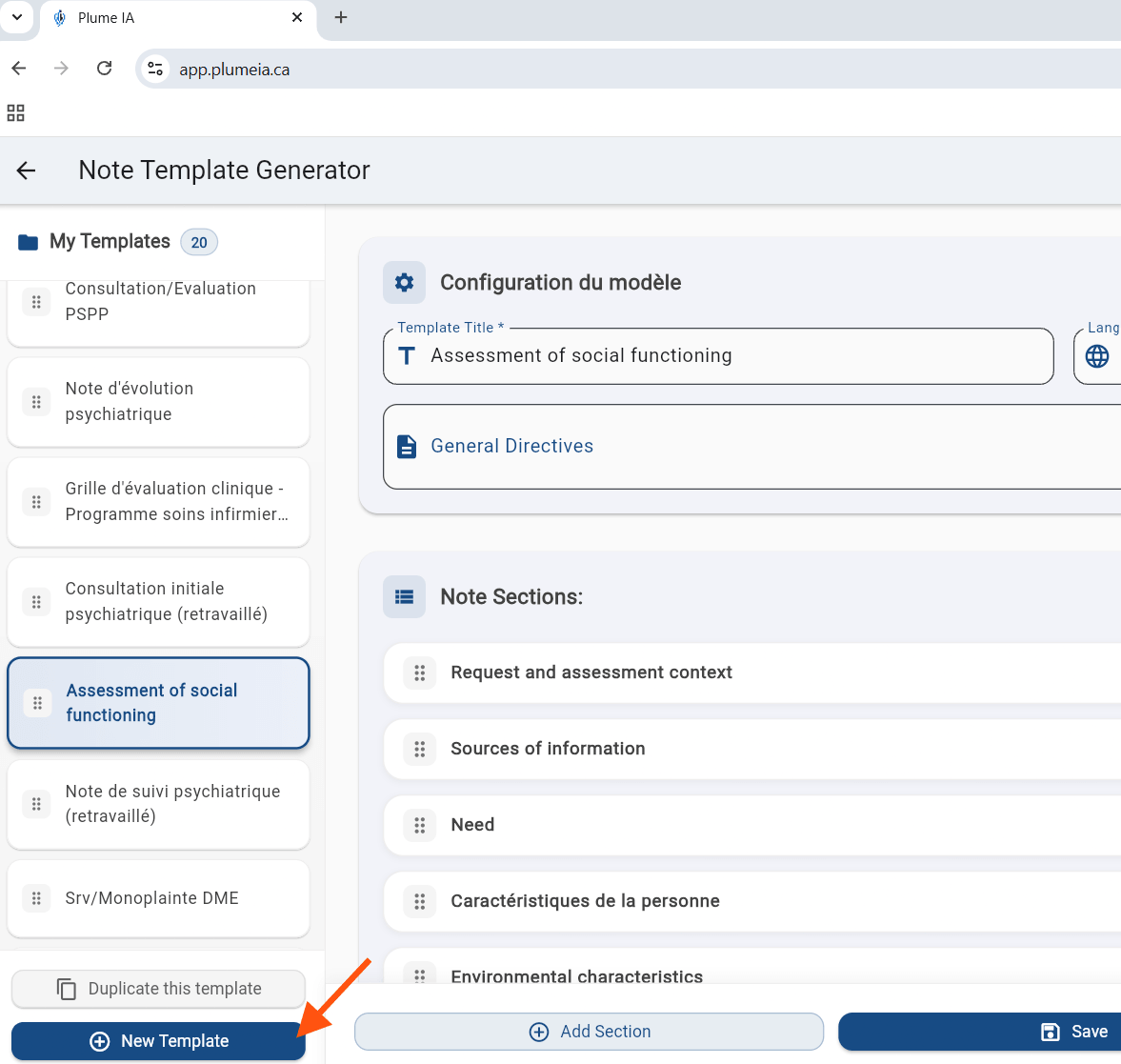
From the Note Templates page, click + New template (bottom-left) to get started.
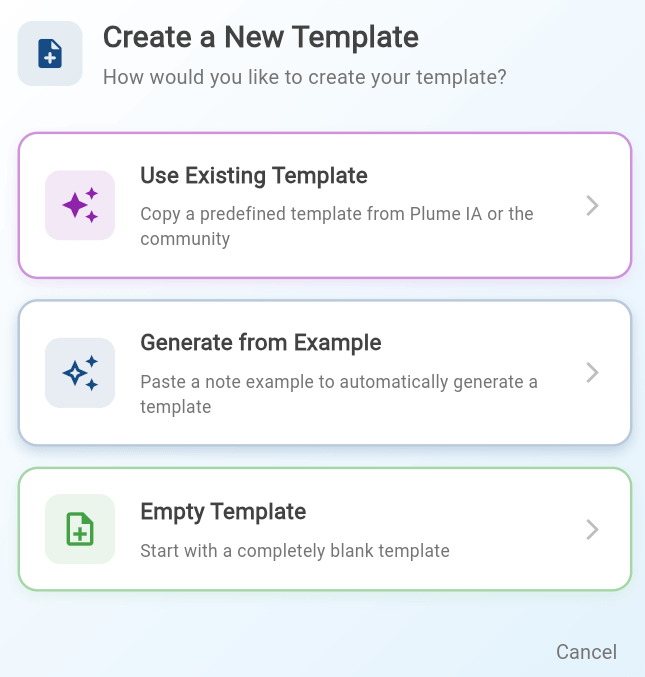
Browse templates from the Plume IA community and import the one that best matches your practice. You can then edit it to fit your needs.
Paste a sample note you have already written. Plume analyzes the structure and automatically generates a matching template.
Build your template from scratch, section by section. This option is ideal if you want a fully custom structure.
Tip: The Generate from an example option is especially useful if you already have a note style you like. Plume IA uses it as inspiration to build the structure automatically.
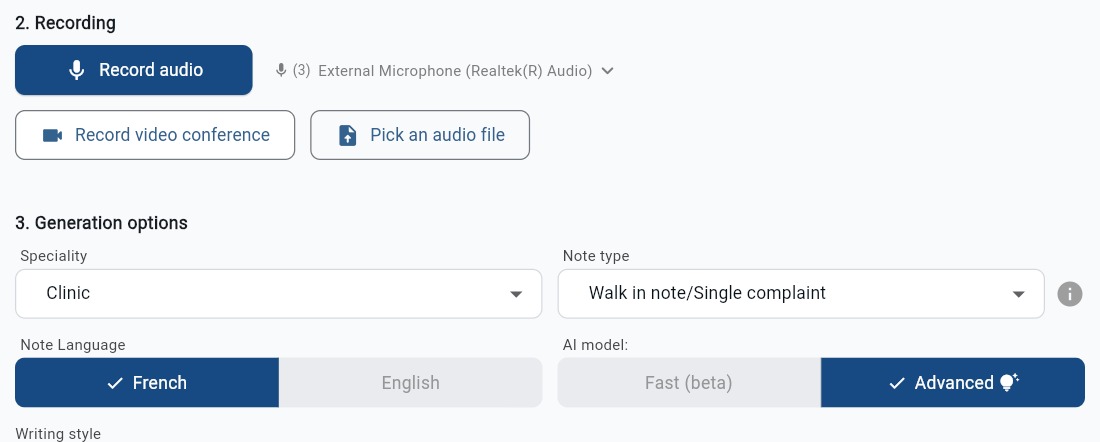
Once created, your template is available on the note generation page: