

Book a demo
Consultation history lists all your generated notes, from newest to oldest. It is your starting point to find, manage, and reuse past visits.
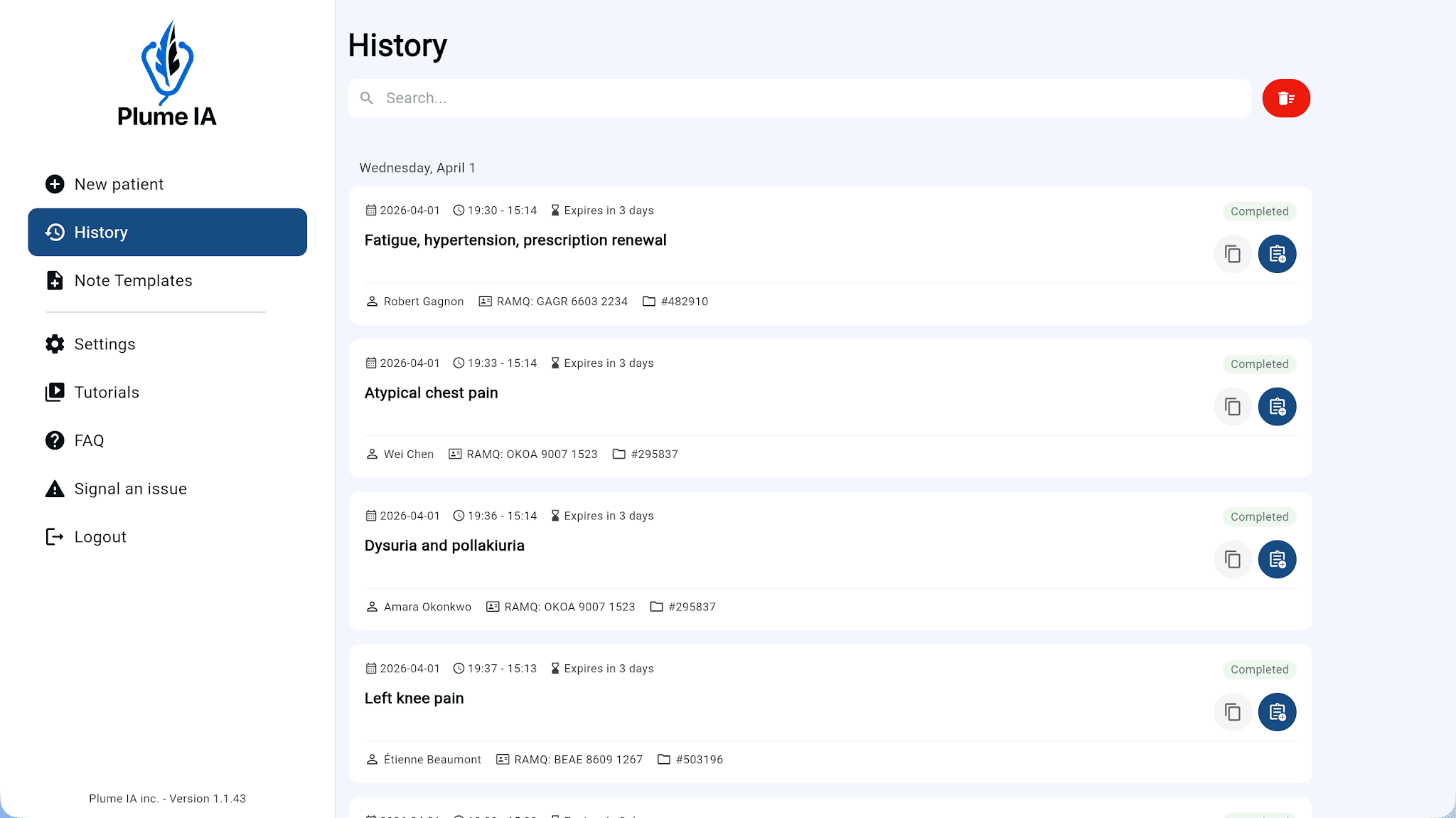
Use the search field to filter visits by patient name, chart number, or RAMQ number—especially helpful as your list grows. The more patient identification you enter during visits, the more effective search becomes.
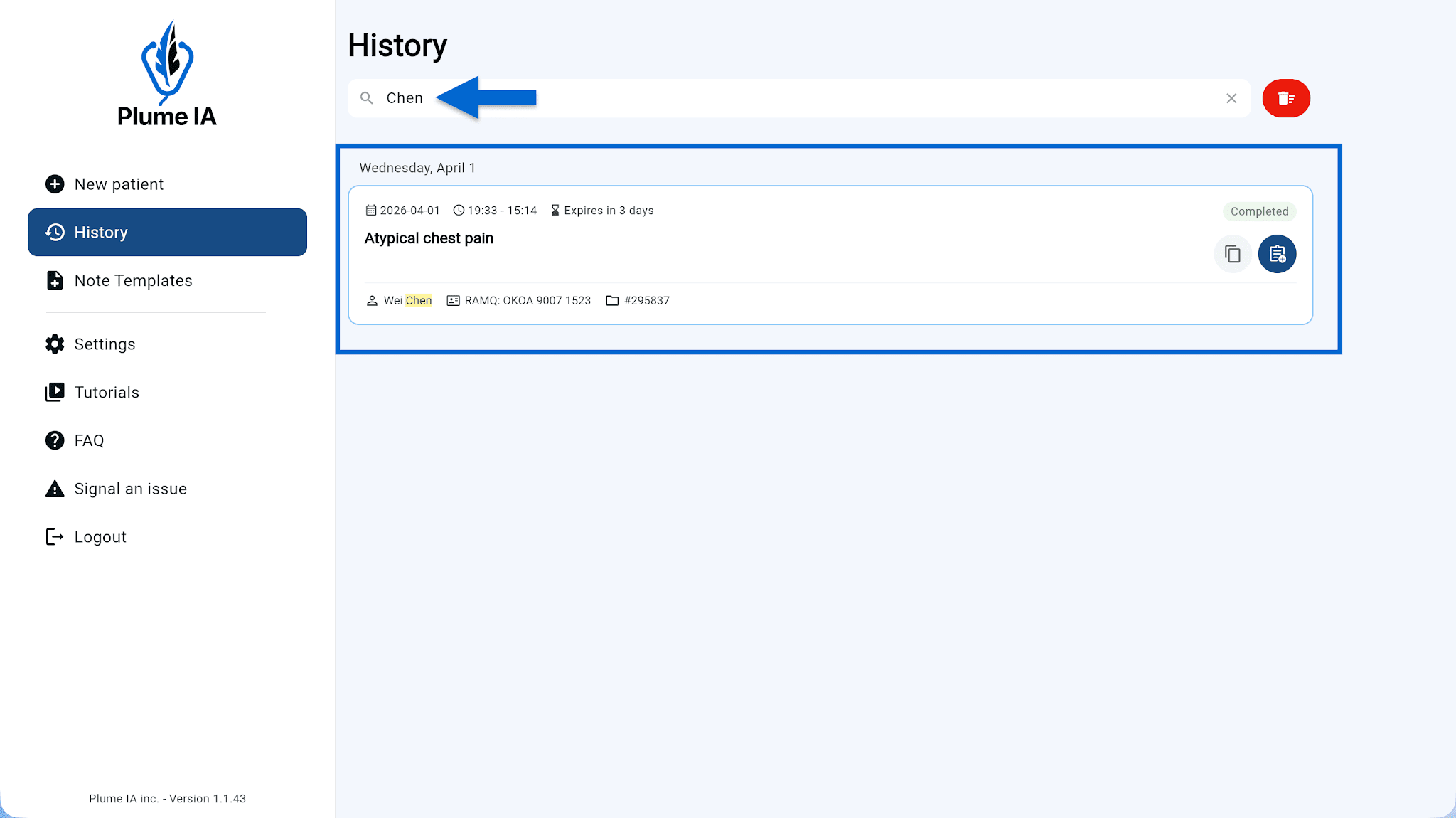
Each visit shows shortcuts right on its tile so you can save time without opening the note:

⚠️ Consultations are deleted automatically once their expiry date is reached. Be sure to copy or export your notes to your EMR before then.
Three retention periods are available: 24 hours, 48 hours, or 10 days. You can change this at any time in General settings.
You can manually delete one visit or all visits in the history directly from this page.