
Icône blanche de calendrier stylisé avec six points représentant des jours, sur fond sombre.

Book a demo

Help Center

Account creation

Creating your Plume IA account only takes a moment. Your first month is free, with no commitment.
Create your account

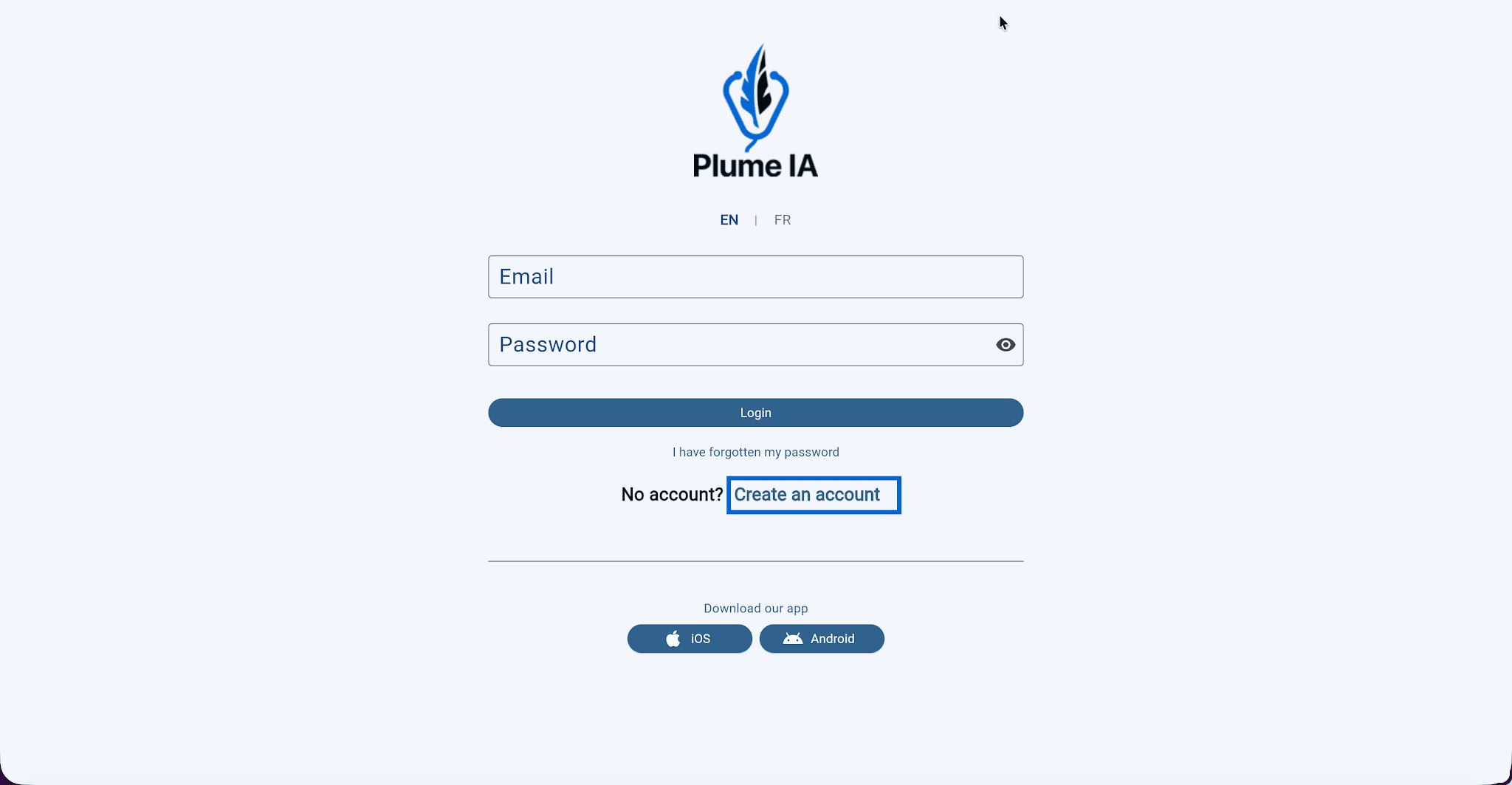
  1. Go to app.plumeia.ca and click Sign up.
Sign up on app.plumeia.ca
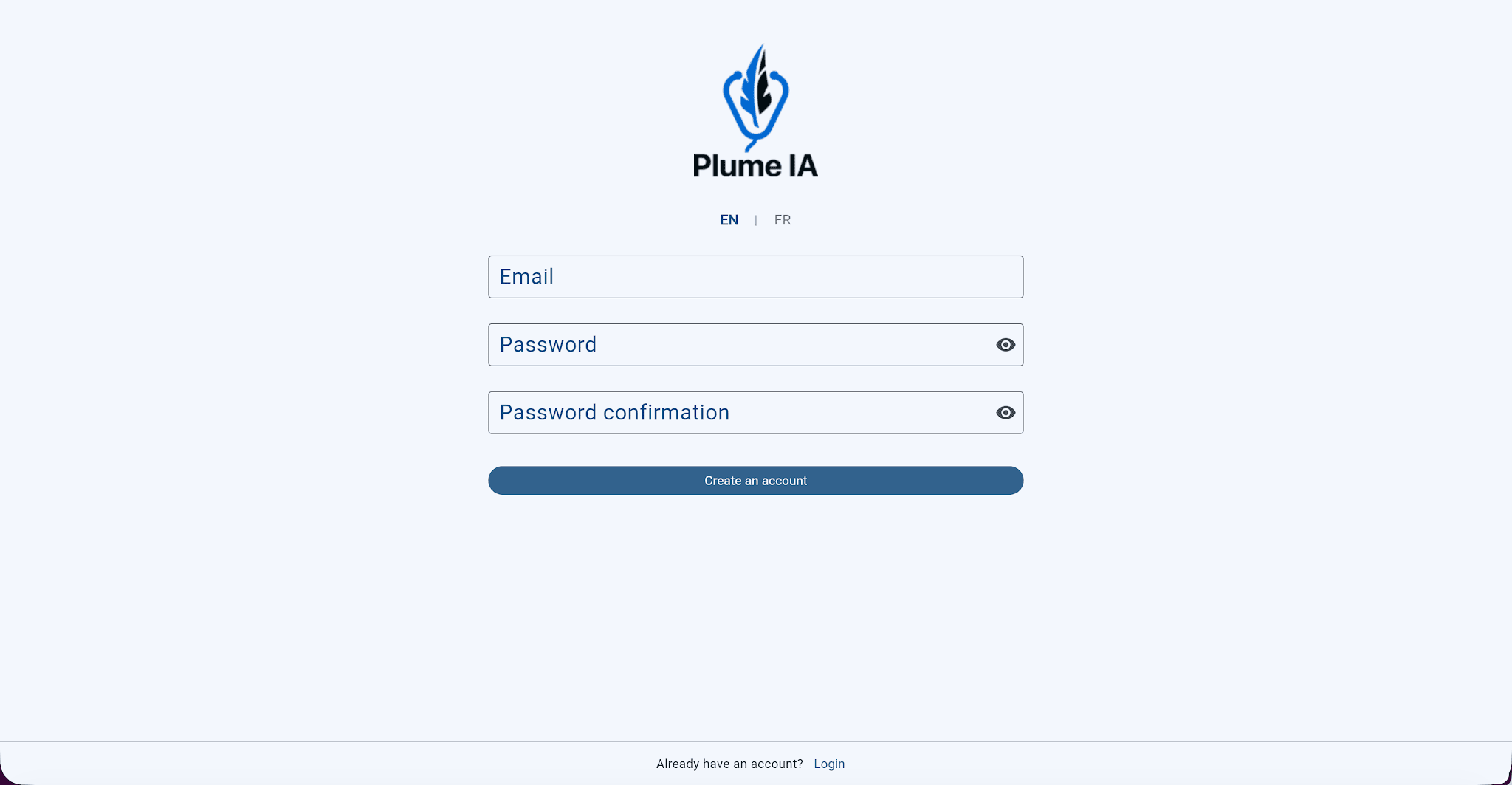
  1. Fill in the required information (email and password), then click Create account.
Create account form
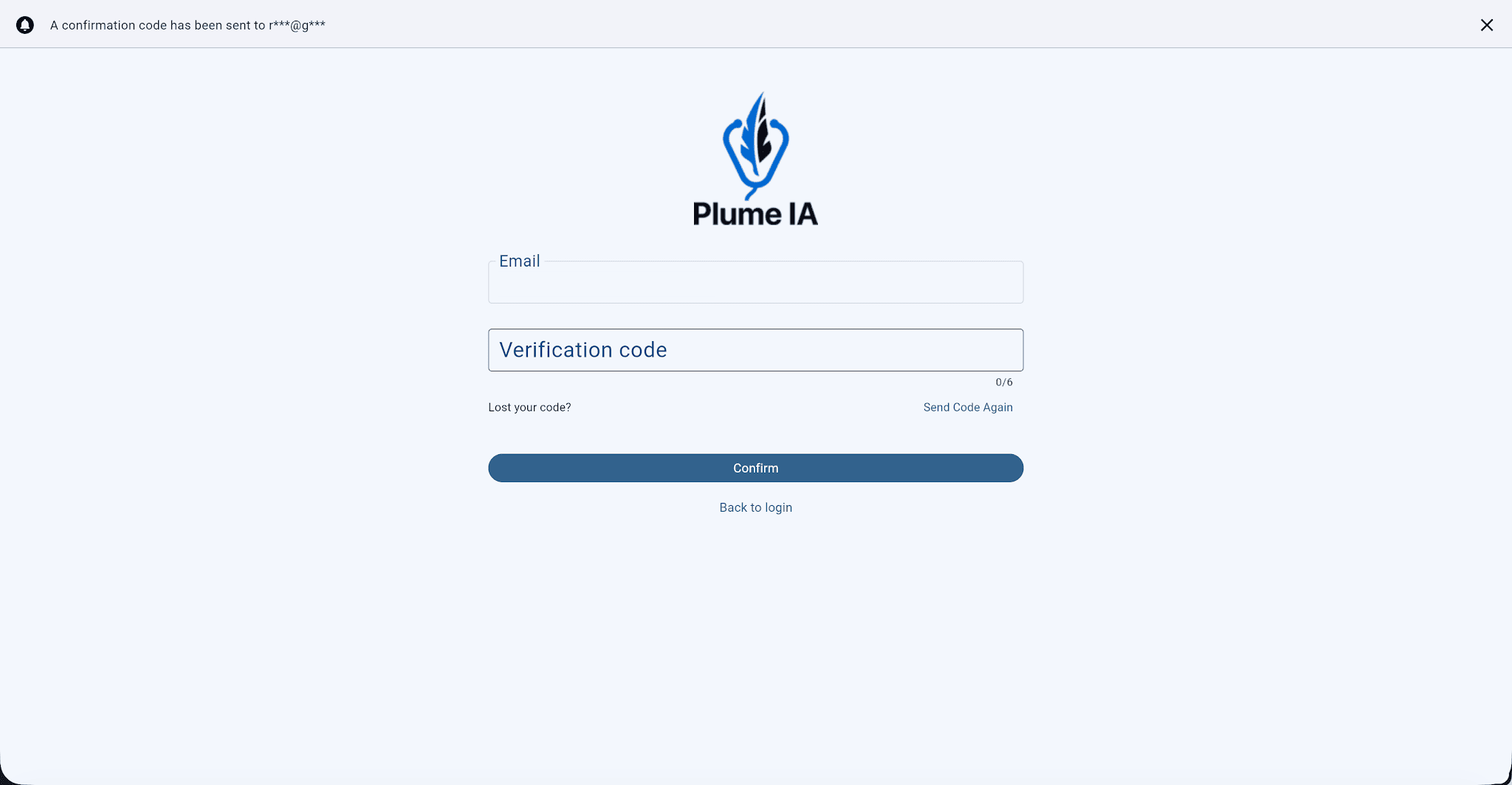
  1. Enter the verification code you received by email, then click Confirm.
Email verification code

4. Your account is ready. You can now sign in to the app.

Sign in

  1. Open the sign-in page or launch the mobile app.
  2. Enter your email and password, then click Sign in.

Plume IA is available on all your platforms. Your data syncs automatically across them—no manual transfer needed.

💡 Forgot your password? Click I forgot my password below the sign-in button to reset it by email.


‍