
Book a demo
Take Plume AI wherever you need it. The mobile app gives you access to the same features as the web version—in your pocket, between visits, on home calls, or in the hospital.
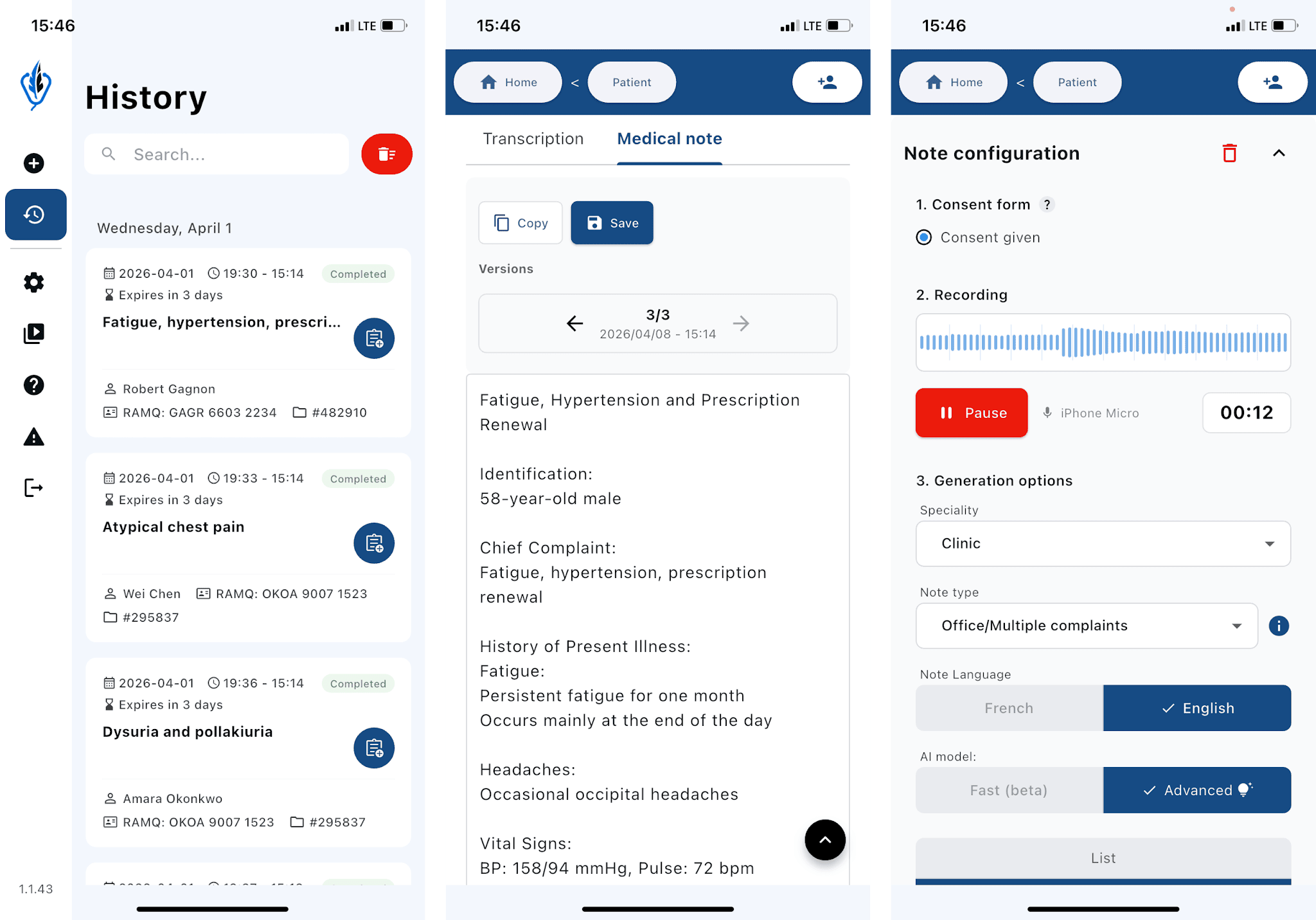
💡 The mobile app works even on an unstable connection. Your recordings are processed as soon as connectivity returns. Your notes sync automatically with the web version—no manual transfer required.
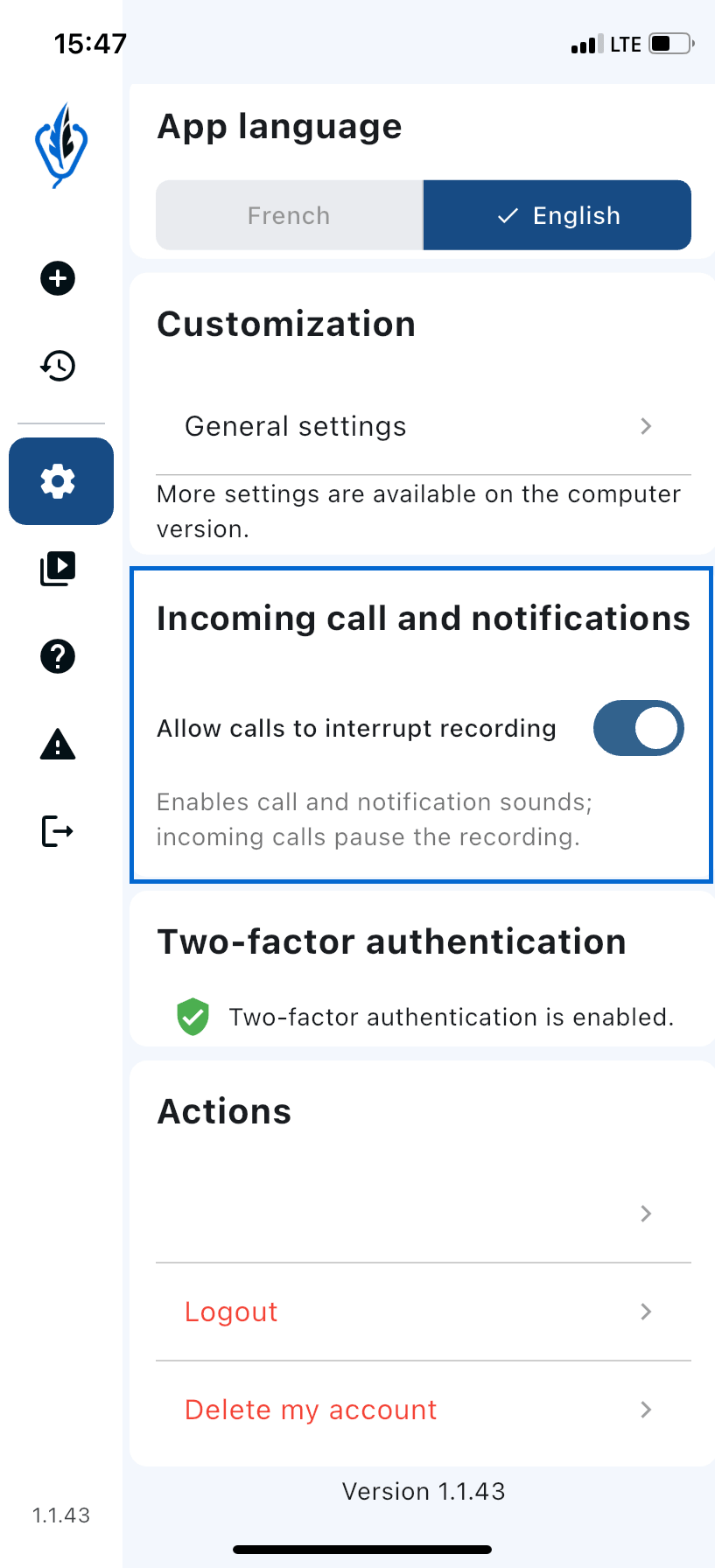
Recording interruption during a call — When a phone call comes in while you are recording, recording pauses automatically. Simply resume recording when the call ends.
⚠️ Note: notifications can play sounds while you are recording. Consider turning on silent mode if you do not want to be interrupted.